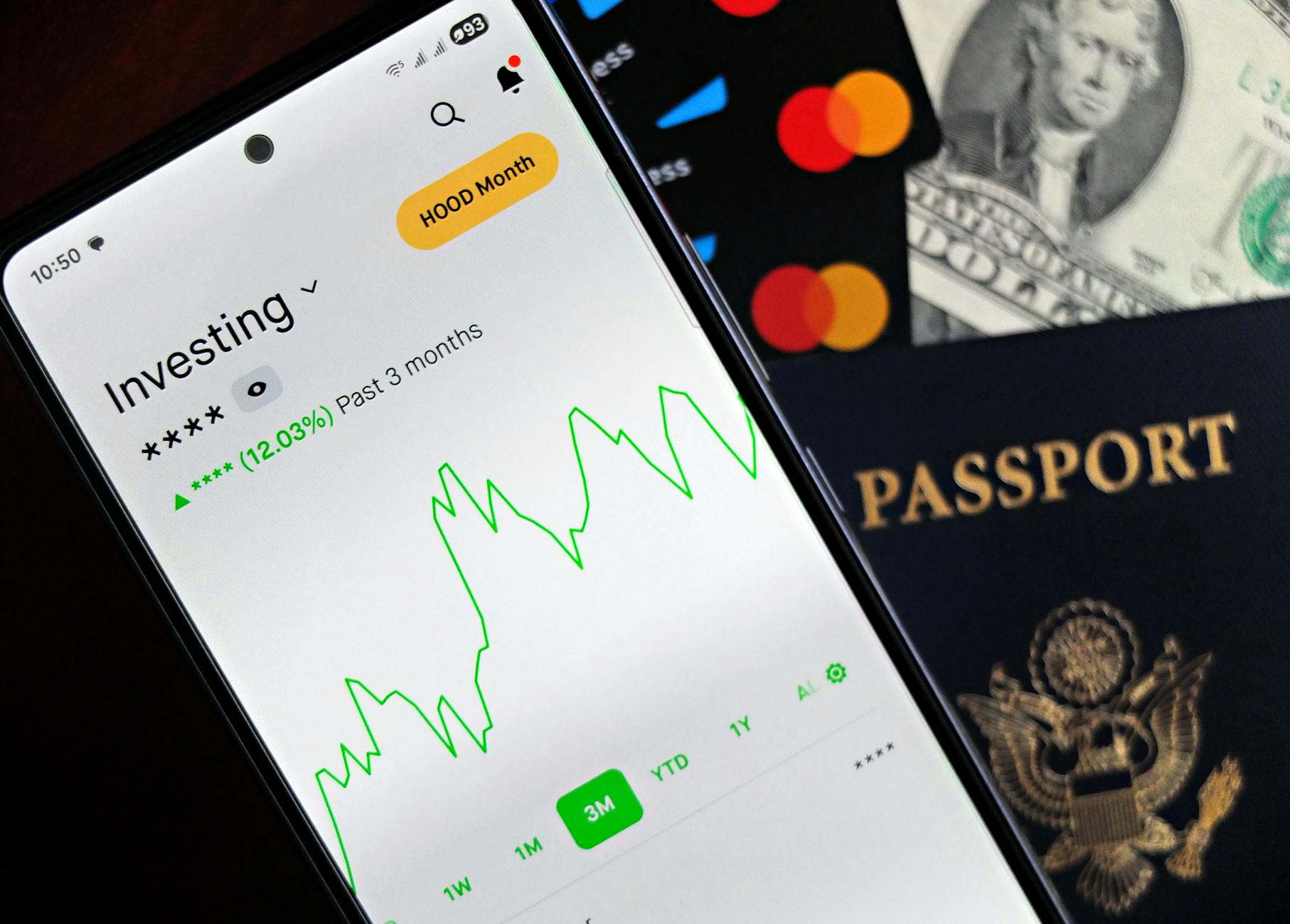
Travel apps can help with booking, navigation, transit and payments, though their value depends on how they are used. This guide describes the main categories, what they can and cannot do for costs, and how to protect your privacy.
Smartphones have made travel planning more flexible, and a wide range of apps can help with everything from finding flights to navigating unfamiliar cities. Some apps can reduce costs or save time, but their value depends on how they are used, whether they are accurate, and how well they handle your data. It is also worth remembering that no app can guarantee savings. The most useful approach is to understand the main categories, compare options against official information, and choose tools that fit your trip.
Fare comparison and alert tools
Fare comparison tools let travelers search across airlines and booking sites, and some offer alerts when prices change on specific routes. Flexible dates, nearby airports, and alternative routings can sometimes reveal lower fares, though outcomes vary. Read the terms carefully, because some fares exclude baggage, seat selection, or changes. Check the airline's official site before booking, and be wary of unofficial sites that appear to offer unusually low prices.
Price alerts can be useful for planning, but they do not predict future fares. Compare the total cost, including fees, baggage charges, and transfer times, rather than only the base price.
Transit and navigation apps
Public transport apps show routes, timetables, and sometimes live departure information in cities. Many transit systems publish their own official app, which can be more reliable than third-party alternatives. Offline maps are valuable when mobile data is limited or expensive abroad. Download the relevant area before departure, and test that routing works without a connection. Some navigation apps also show walking routes, cycling options, and station exits, which can help reduce confusion on arrival.
Check whether an app requires a location permission and whether it can be used without sharing precise location at all times. Turn off location tracking when it is not needed, particularly if you are using the app only for planning.
Currency, payments and budgeting
Currency converters and payment apps can help you estimate prices and track spending. Be aware that exchange rates used by apps may differ from those used by banks and card providers, and fees can apply. Some banks offer travel-friendly cards with lower foreign transaction charges, although conditions vary. A simple spreadsheet or budgeting app can help track daily costs and prevent overspending.
Be cautious about apps that promise guaranteed savings or ask for unnecessary access to your accounts. Use reputable providers and enable two-factor authentication where available.
Translation, bookings and accommodation tools
Translation apps can help with menus, signs, and basic conversations. Offline language packs are useful in areas with weak signal, although translation quality varies and should not be relied upon for medical, legal or safety-critical communication. Accommodation and booking apps may offer reviews, maps, and cancellation tools. Check whether prices shown include taxes and fees, and read cancellation policies carefully before paying.
Privacy and security
Travel apps often collect sensitive information, including passport details, payment data, location history, and travel patterns. Review permissions and privacy notices before you install an app. Remove apps you no longer need, keep your phone updated, and avoid storing full passport numbers or payment details in unsecured notes. Use secure Wi-Fi or mobile data for bookings and banking.
If an app asks for access that seems unrelated to its function, consider whether the benefit justifies the data shared. Trusted official apps from airlines, transit operators, and national tourism organizations are usually a sensible starting point.
Practical tips
- Compare app prices with official airline, rail or operator websites before booking.
- Download offline maps and transit timetables before you travel.
- Check how each app handles location and personal data, and adjust permissions.
- Confirm exchange rates and card fees with your bank before relying on a payment app.
- Keep essential documents and tickets available offline, with screenshots as backup.
- Remove apps you no longer need, and keep your phone's software updated.
Common mistakes to avoid
A common error is installing several apps that appear to do the same job, which can lead to confusion about where a booking or ticket actually lives. Choose one primary app for each task, such as transit or accommodation, and keep the rest to a minimum. Another mistake is downloading an app with a name very similar to an official one. Check the developer name and the publisher's website before installing. Some travelers also rely on push notifications for time-sensitive changes, although notifications can be delayed or switched off. Check the official source for key updates instead. Finally, using a shared or borrowed device to sign in to booking accounts can expose personal details, so log out fully when you finish, particularly on public computers.
Who this suits and who it doesn't
Travel apps suit frequent planners, multi-city travelers and anyone who is comfortable managing bookings and tickets on a smartphone. They can be especially useful for people who enjoy comparing options and who like having maps, timetables and payment tools in one place. They may be less suitable for people who prefer to book through a travel agent or who find digital tools stressful, as a single misplaced tap can cause confusion. Those who are cautious about sharing data may prefer to use fewer apps and rely on official websites where possible. Travelers with limited mobile data may also need to plan more carefully, since many apps need a connection to refresh information. Keep in mind that an app is only as useful as its data, so check that listings and schedules are current before you rely on them.
A checklist before you travel
- Have you signed in to your key accounts on a secure network before departure?
- Are your loyalty and booking accounts linked to the reservations they should cover?
- Have you saved the customer service numbers for your airline, rail operator and accommodation in your contacts?
- Do you know which app to use if you need to change or cancel a booking?
- Have you kept a charger or battery pack in your carry-on bag?
- Have you checked whether your phone's storage has room for maps and tickets?
Travel apps can make planning and movement easier, and some may help you find better options or avoid unnecessary charges. They are most useful as tools that support careful decisions rather than as guarantees of savings. Checking official sources, protecting your data, and comparing total costs will help you get genuine value from the apps you choose.
More pictures



Tags
Share this guide
We may earn a commission if you click a link and buy a product or service, at no extra cost to you. How affiliate links work.
Been there?