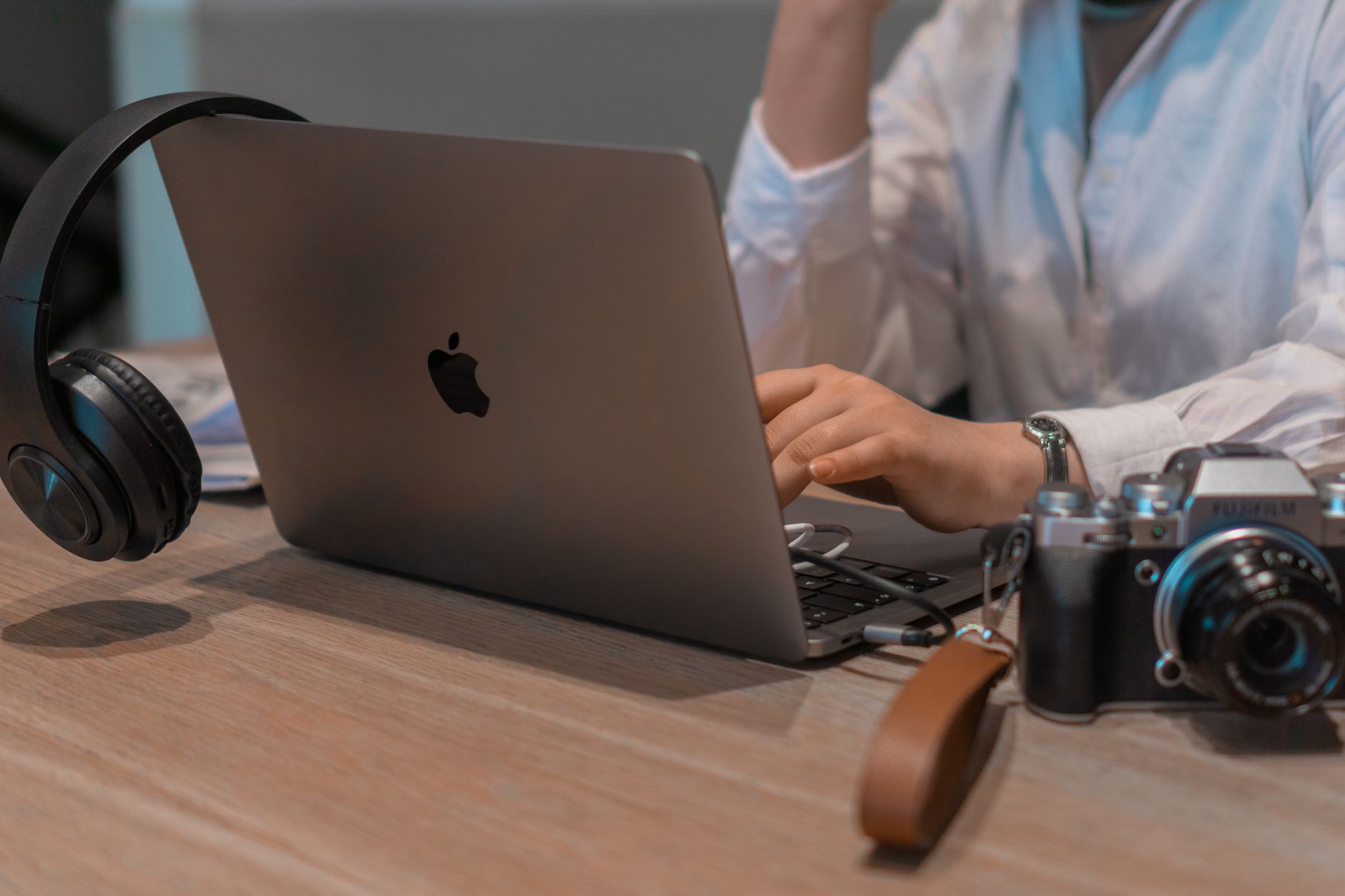
A practical guide to building a mobile office for remote work while travelling, covering gear, internet backups, workspaces, security and routines.
There is no secret formula for working well from anywhere. People who do it comfortably for months at a time are not hiding a trick; they have simply built a small, dependable system and refined it through trial and error. A good mobile office is mostly boring: a light kit, a backup for every point of failure, a few habits that protect your data, and a routine that keeps work from swallowing the trip.
This guide walks you through building that system step by step. It is written for people who work remotely for an employer or run their own small business and want to travel without letting the quality of their work slip. Check your own employer's policies and local rules as you go, because they matter more than any gadget.
Start with the work, not the gear
The most common mistake is buying equipment before understanding what you actually need. Spend ten minutes answering these questions honestly.
- How much of your day is on video calls? Frequent calls demand a stable connection, decent audio and a quiet room.
- Do you handle sensitive data? If so, security and a private space jump to the top of the list.
- Do you work fixed hours or flexible ones? Fixed hours across time zones affect where you can sleep and when you can explore.
- How heavy is your software? Video editing or large design files need a stronger laptop and often faster storage than writing or spreadsheet work.
- How long will you stay in each place? Two nights and two months call for very different setups.
Your answers shape everything else. A copywriter who sends emails can travel with almost nothing. A video producer who joins daily client calls needs a more robust plan.
The core kit
Aim for a kit that fits in one bag and that you can carry up stairs without complaint. A sensible core looks like this.
- A reliable laptop. Choose one with good battery life and a keyboard you like, since you will use it for hours. Lighter is better, but not at the cost of comfort.
- A good pair of headphones with a microphone. Audio quality matters on calls more than people expect, and noise-cancelling headphones can rescue you in a noisy cafe.
- A compact laptop stand and a small external keyboard. These two items protect your neck and wrists, and they transform a hotel desk or kitchen table into a workable station.
- A universal power adapter and a small multi-port charger. Fewer plugs to carry and fewer sockets to fight over.
- A power bank that can top up your phone and, if possible, your laptop through a USB-C connection. Check airline rules for battery capacity before flying.
- An external drive or secure cloud backup. More on this below.
- A cable pouch. It sounds trivial, but a tidy pouch means you never lose the one cable you need.
Optional extras include a portable monitor for those who need extra screen space, a travel mouse and a lightweight webcam. Add them only after you notice a real need.
Connectivity: plan for failure
Internet is the lifeline of a mobile office, and it fails more often than people admit. The principle is simple: always have a second way online.
- Primary connection. This is usually your accommodation's Wi-Fi. Before booking, ask the host about reliability, and where possible ask for a recent speed test result. Photos of a router and a fast-looking connection are not evidence.
- Secondary connection. Use your phone as a hotspot, with a local SIM or an eSIM that offers enough data. Check that your phone is unlocked and that tethering is allowed under your plan.
- Tertiary option. Know the location of a nearby coworking space or cafe with dependable Wi-Fi as a fallback for important calls.
Some travellers also carry a portable travel router, which can create a private network from a hotel's wired connection and help with devices that struggle on public Wi-Fi. This is a nice extra but not a requirement.
Test your connection on arrival, before you need it. Run a speed test, join a quick video call with a friend, and note any dead spots in the building.
Choosing where to work
Even with a great kit, your surroundings determine how productive you are. Think of your workspace choices as a ladder, from most private to most social.
Your accommodation
Choose a place with a proper table and a real chair if you can. When you search, add "workspace" or "desk" to your filters and read reviews for mentions of Wi-Fi. Ask the host directly about noise and whether there is a desk. A slightly more expensive room with a good workstation often saves you money in lost productivity.
Coworking spaces
Coworking spaces provide desks, fast internet, meeting rooms and a community. Many offer day passes, weekly passes or monthly memberships. They are excellent for long stays, for meeting other remote workers, and for taking calls without worrying about the background. Compare options on current pricing and read recent reviews.
Cafes and libraries
Cafes can be lovely for a few hours of focused writing or email, but they are not good for confidential calls. Buy something every hour or two, be considerate about power sockets, and never leave your laptop unattended. Public libraries are an underrated option in many cities, offering quiet and often free access, though rules vary.
Outdoor and unconventional spaces
Parks and beaches are fun for a break, but glare, wind and sand are hard on both screens and focus. Treat them as a place to think, not as your main desk.
Protect your data and your devices
Working from shared networks and public spaces requires a few habits that cost nothing and prevent real trouble. This is general information, so follow your employer's security rules first.
- Use a reputable VPN on public Wi-Fi, especially if your employer provides one.
- Turn on full-disk encryption and a strong login password. Most modern laptops have this built in.
- Enable two-factor authentication on email, cloud storage and work accounts.
- Keep devices updated. Install updates when you are on trusted Wi-Fi, not on the day of a big deadline.
- Back up regularly. A common rule is three copies in two places, with one off-site, which can be as simple as your laptop, an external drive and a cloud service.
- Lock your screen whenever you step away, even for a moment.
- Be careful with screens in public. Consider a privacy screen if you handle sensitive information, and avoid typing passwords where others can watch.
Physical security matters too. Do not leave a laptop visible in a parked car or on a beach towel, and consider a small cable lock for shared spaces. Travel insurance should cover your electronics, and you should read the policy to see what counts as "left unattended". This is general guidance rather than insurance advice.
Time zones and communication
Working across time zones is one of the biggest sources of stress for travellers. A few practices help.
- Share your location and hours with your team in advance. A short note in your calendar or status avoids confusion.
- Choose a base that fits your core hours. If your team is in another continent, you may prefer a destination only a few hours away rather than twelve.
- Batch your meetings. Schedule calls back to back on certain days to leave other days free for exploring.
- Use asynchronous tools. Recorded updates, shared documents and clear written summaries reduce the need for live meetings.
- Avoid travel days on crucial deadline days. If you can, protect a day before and after a move.
Legal and tax basics
Working while abroad can raise questions about visas, taxes and employment law. These rules vary by country and by your circumstances, and they change. Many countries now offer specific remote-work or digital nomad visas, while ordinary tourist visas often do not allow work. Read the official immigration site of each destination, and consider speaking to a qualified tax or immigration professional if your plans are long or complex. Also check your employer's policy, because some companies restrict where staff may work for tax or security reasons. Nothing in this article is legal or financial advice.
Building a routine that lasts
A mobile office succeeds or fails on habit. These patterns help people sustain remote travel without burnout.
- Start the day with the same ritual. Coffee, a walk, then your first task. The consistency signals "work time".
- Protect deep work. Put your hardest task in the first block of the day, before the temptations of a new city take over.
- Set a clear finish line. Decide when work ends, and then actually go out. Exploring is the whole point.
- Move every day. Walks, stretches and a proper lunch away from your desk keep both body and mind in good shape.
- Slow down your travel pace. Many experienced remote workers find that staying a few weeks in one place beats hopping every few days. Constant moving eats up the hours you need for work.
- Plan for rest. Reserve one day a week with no screens at all.
A sample setup for different travellers
The light traveller. A thin laptop, noise-cancelling headphones, a phone with a hotspot plan, a power bank and a cloud backup. Works from cafes, libraries and rented rooms.
The call-heavy professional. A reliable laptop, a stand, an external keyboard, a headset, a travel router, a second connectivity option and a coworking membership for important days.
The creative with big files. A powerful laptop, fast external storage, a portable monitor and a power bank. Chooses accommodation with a strong, wired or high-speed connection and may rely on a coworking space for heavy uploads.
Packing checklist
- Laptop and charger
- Headphones with microphone
- Laptop stand and compact keyboard
- Universal adapter and multi-port charger
- Power bank
- Spare cables in a pouch
- External drive or backup plan
- Phone with an unlocked SIM or eSIM option
- Printed or offline copies of key documents
- A small notebook for offline thinking
Frequently asked questions
Do I need a special visa to work remotely while travelling? It depends on the country and your situation. Some places offer dedicated remote-work visas, others do not allow work on a tourist visa. Always check official sources and consider professional advice.
Is public Wi-Fi safe? It carries risks. Using a VPN, avoiding sensitive tasks on open networks and relying on a personal hotspot for important work reduce those risks.
What is the best way to stay productive in a new place? Keep your routine consistent, take fewer but longer stays, and choose accommodation with a proper desk.
How much should I spend on gear? Spend on the things you use for hours each day, such as the laptop, headphones and a stand. Skip gadgets you only imagine using.
Summary
A mobile office is built from a small set of reliable choices: a light, comfortable kit, a backup for your internet and your data, a workspace that fits the task, and a routine that gives work and travel their own space. Start with your actual needs, test everything on arrival, check visa and employer rules, and adjust as you learn. The result is a way of working that lets you enjoy the places you visit rather than just surviving them.
More pictures



Tags
Share this guide
We may earn a commission if you click a link and buy a product or service, at no extra cost to you. How affiliate links work.
Been there?